Dark Glass iOS App Icons
Made by code: original artwork, created with code and AI assistance. Dark glass icons for your iPhone home screen, with matching wallpapers.
Previews
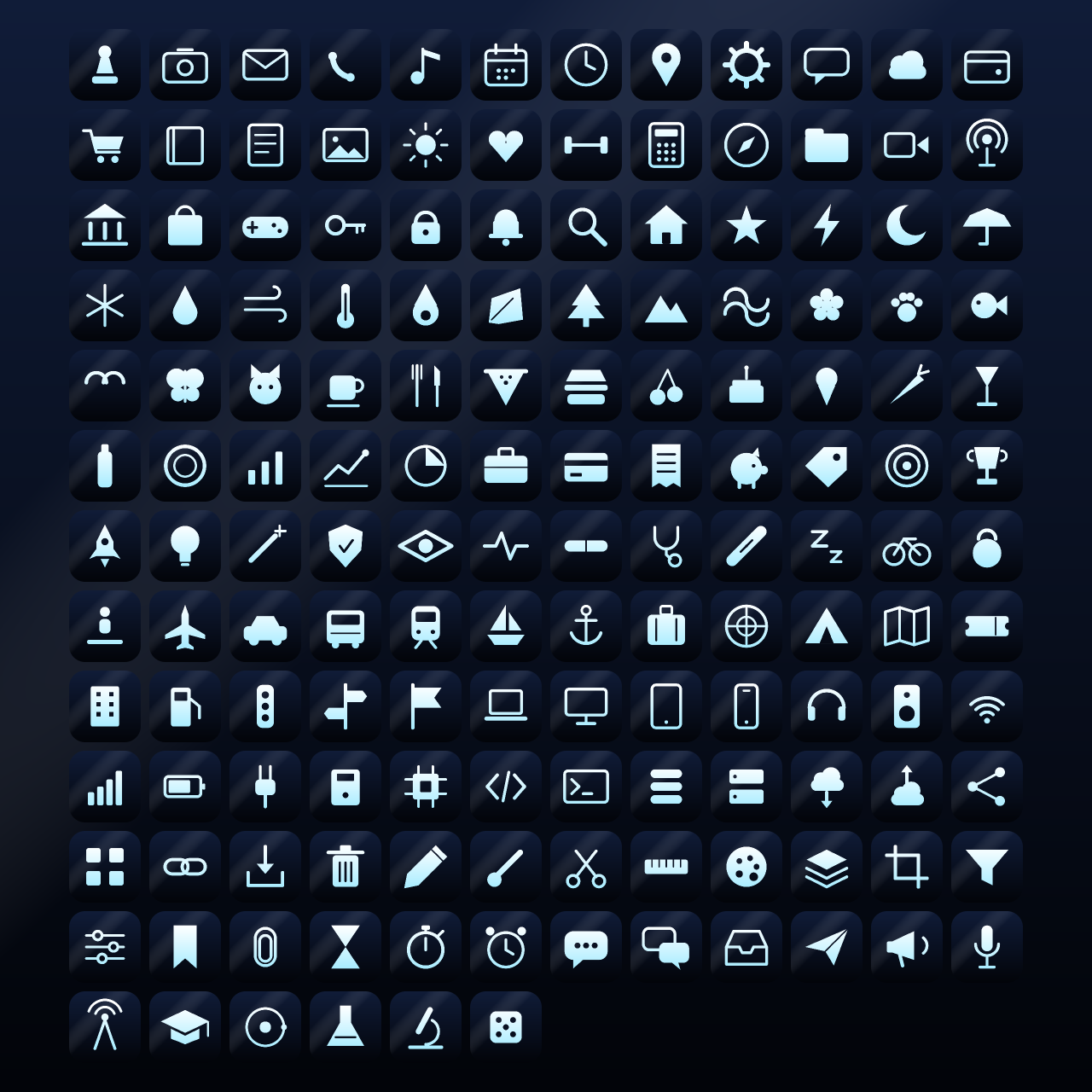
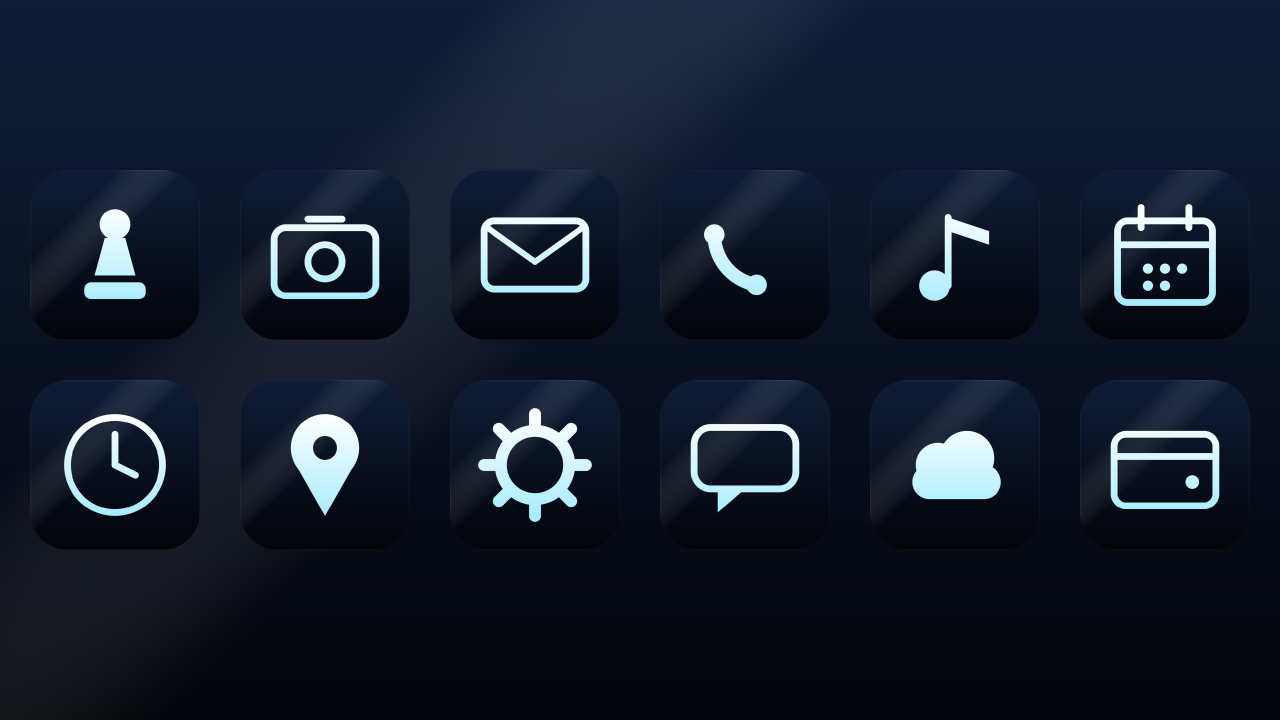

24 of the icons




















How to apply an icon with the iPhone Shortcuts app
- Save the icon PNG you want to your Photos or Files app.
- Open the Shortcuts app and tap the + button to make a new shortcut.
- Tap Add Action, search for Open App, and choose the app you want to open.
- Tap the shortcut name at the top, choose Add to Home Screen, then tap the small icon next to the name.
- Choose Choose Photo or Choose File, pick the icon PNG, and give the shortcut the app's name.
- Tap Add. The new icon appears on your home screen; move the original app into the App Library if you want to hide it.
Shortcut icons briefly show the Shortcuts app when opened; that is how iOS works.